Tiny House

Test Driving Google SketchUp Pro
- 3 Comments - Add a Comment

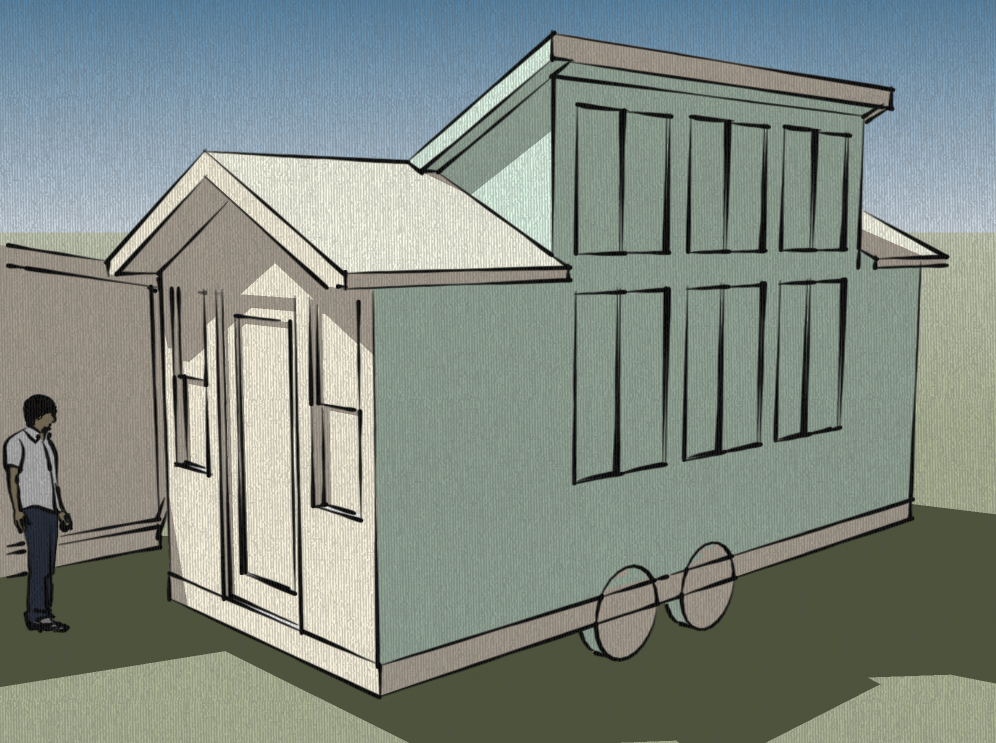
If you’ve been reading Tiny House Design for a while you’ve probably noticed that I’ve tried different drawing tools over time to draw my design concepts. Within the last few months I’ve been mostly using Google SketchUp, a free 3D drawing program.

The only problem with this free version is that it doesn’t include a 2D drafting program that would be needed to draw floor plans, elevations, and other schematics like the framing illustrations you’ll find in my free tiny house plans. In fact the reason I’ve been stalled on drawing my next free plan is that I’ve been looking for a better 2D drawing program.

The good news is that I’ve found one, it’s called Layout 2. The only problem is that it is bundled with Google SketchUp Pro which costs $495. Luckily they they give users an eight hour free trial. So I’ve downloaded the software and over the weekend I’ll fire it up and on Monday post what I draw with my eight hours.

I was planning on using my free trial to draw the next version of the Tiny Simple House but instead I think I’ll draw the next set of free plans, the 8×20 Tiny Solar House with Gables.

8x20-vs-7x12-3

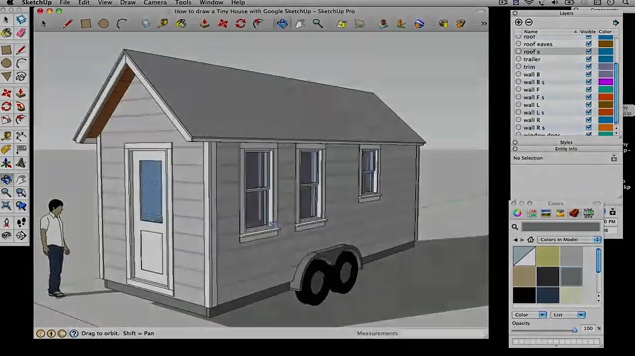
Here’s a video clip that describes why Google SketchUp Pro is worth $495. I may be a believer by Monday.
Similar Posts

You might like these posts too...
8x20-plans-tall-wall More about my exploration with Google SketchUp Pro
My 8-hour free trial with Google SketchUp Pro and Google Layout must be almost at an end. I realized early on that I could continue to draw with the free 3D version on my laptop which allowed me to draw most of the 3D version without using the pro version. In installed SketchUp Pro on
  
SketchUpScreenSnapz004 How to draw 2D drawings with Google SketchUp
The other night I realized how easy it is to draw 2D drawings with the free version of Google SketchUp. All you have to do is select Camera > Standard Views > Top to set the view from the top of the model. If you want a side-view of a wall  or an end wall
  
10x20-solar-house-front 8×20 Solar House Plans – Progress Report
For the past few days I’ve been exploring Google SketchUp Pro while working on my next set of free tiny house plans. I still have a bit of work to do but as you can see I’m making good progress. What I’ve found so far is that the free version of SketchUp will give you


Posted July 10th, 2009 by Michael Janzen and filed in Plans

Follow on Facebook and Twitter @TinyHouseDesign and/or @MichaelJanzen.
Subscribe to Tiny House Design by Email and/or RSS.

Learn more about tiny houses

3 Responses to “Test Driving Google SketchUp Pro”

  1. Grant Wagner says:

    Hi Michael,

    It’s been a while, but Google Sketchup has really grown on me, even if I do have to boot into windows(I need a linux version, dang it!). I even started drawing up my tiny house plans, at an incredible detail. You can peel back the layers to go from siding and roofing to internal layout. I’ll be sure to send it your way when I’m done.

  2. Kieran says:

    Yes, I anxiously await the results!

  3. [...] My exploration into Google SketchUp Pro is moving along nicely but instead of rushing next free my plans out tonight I’m going to [...]

Add Your Photo: To add your photo to your comments just visit Gravatar and upload your photo.

Leave a Reply

energy